My journey through Linux, open source, cloud engineering, AI, gaming and desktop customization.
Logos of the Linux distributions in this article around Tux, the Linux penguin: Ubuntu, Linux Mint, Pop!_OS, PikaOS, Fedora, Arch Linux, CachyOS, Omarchy, Nobara, Kali, Bazzite and SteamOS
In this article: my relationship with Linux · what Linux actually is · a short history · why I prefer it · why it matters for cloud and AI work · the distros I have used · customization and ricing · which distro you should choose · how to start · resources
My relationship with Linux
For most people an operating system is something you stop noticing. You turn the computer on, open your apps, and the OS stays in the background. Linux was never like that for me. It is the place where I experiment, break things, fix them, and finally understand how the tools I use every day really work.
I am a Cloud and AI Engineer, a programmer, and a gamer. Those three sides of me meet in the same place: a terminal on a Linux machine. My work happens on Linux servers, my favorite tools were born on Linux, and some of my best weekends were spent making my desktop look and behave exactly the way I wanted.
My first real step was simple. At the end of December 2024 I installed Ubuntu on my laptop, and I even recorded a short video to welcome 2025 from my new Linux desktop. Since then I have moved through several distributions, learned a lot from the community, and slowly turned curiosity into a daily habit.
This is not a tutorial that tries to convince you that Linux is perfect. It is my honest story: what I love, what still frustrates people, and where I think you should start if you are curious.
What is Linux?
An operating system is the software that sits between you and the hardware. It decides which program gets the CPU, manages memory, talks to your disk, keyboard and network card, and gives apps a stable way to use all of that.
Strictly speaking, Linux is the kernel, the core of that system. The kernel talks directly to the hardware. On its own, though, a kernel is not something you can use. You also need a shell, basic commands like ls and cp, libraries, a package manager, and usually a graphical desktop. Many of those core tools come from the GNU Project, which is why some people insist on the name GNU/Linux for the complete system. In everyday conversation, "Linux" usually means the whole thing.
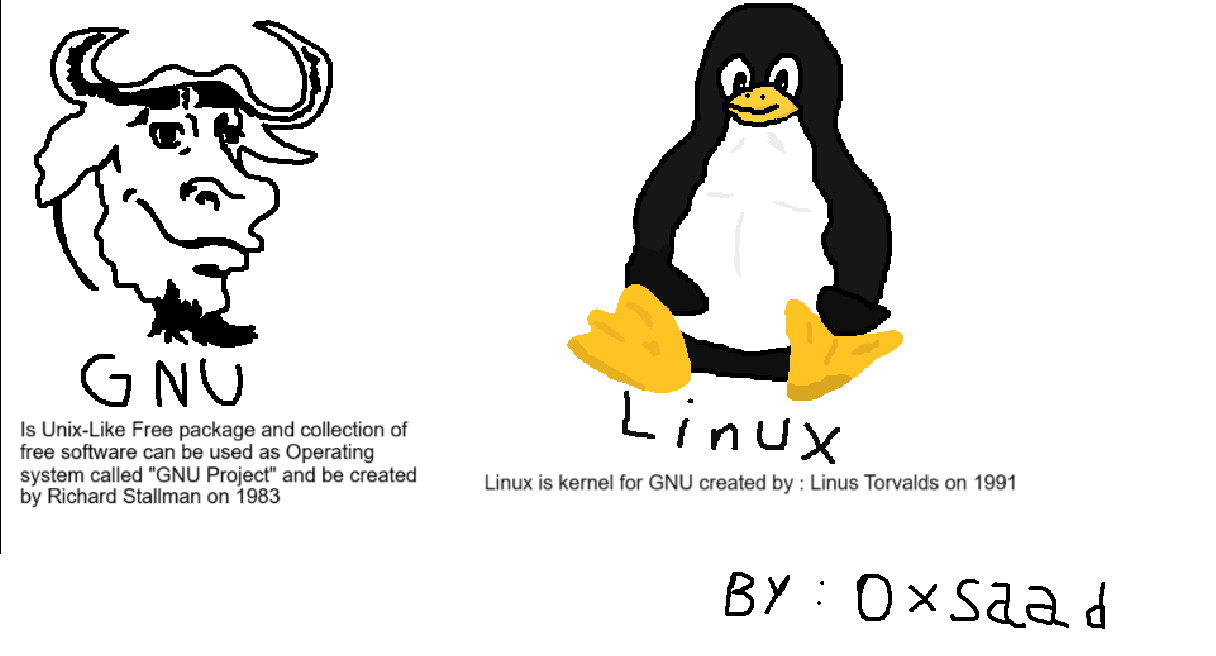
A hand drawing of the GNU head and Tux the penguin: GNU is the free Unix-like system Richard Stallman started in 1983, and Linux is the kernel Linus Torvalds created in 1991
A distribution (or distro) is a complete operating system built around the Linux kernel. Each distro makes its own choices:
Package manager: how you install and update software (apt on Ubuntu and Mint, dnf on Fedora, pacman on Arch).
Release model: fixed releases every few months or years, or a rolling release that updates continuously.
Desktop environment: the graphical interface, for example GNOME, KDE Plasma, Cinnamon, or a tiling compositor like Hyprland.
Philosophy: stable and conservative, cutting-edge, minimal and do-it-yourself, or ready-made for gaming.
This is what makes Linux so flexible. The same kernel can power a tiny router, a phone, a gaming PC, a supercomputer, or the cloud server that runs your favorite app, and you can pick or build exactly the system you want on top of it.
A brief history of Linux
The story starts with Unix, created at Bell Labs at the end of the 1960s. Unix introduced ideas we still use: small tools that do one thing well, everything treated as a file, and a powerful command-line shell. But Unix was proprietary, and as it spread, its code was closed and expensive.
In 1983, Richard Stallman announced the GNU Project ("GNU's Not Unix"), with a radical goal: a complete Unix-like operating system made entirely of free software, software that anyone may use, study, modify and share. The Free Software Foundation followed, and so did the GNU General Public License (GPL), which guarantees those freedoms for everyone who receives the code. By the early 1990s GNU had a compiler, a shell, an editor and many tools, but its own kernel was not ready.
Then, in 1991, a Finnish student named Linus Torvalds posted a message saying he was writing a free operating system kernel, "just a hobby, won't be big and professional like gnu". He released it, and soon licensed it under the GPL. Developers around the world started sending improvements over the internet. The Linux kernel plus the GNU tools finally made a complete, free operating system.
What happened next is one of the biggest success stories in computing. Companies like Red Hat built businesses around Linux. It took over web servers, then data centers and the cloud. Android is built on the Linux kernel. And for years now, every one of the world's 500 fastest supercomputers has run Linux. A hobby project became the foundation of modern infrastructure.
If you enjoy stories like this, the documentaries in the resources section at the end, Revolution OS and The Code, tell it much better than any summary.
Why I prefer Linux over Windows
First, an honest disclaimer: Windows is not a bad operating system. Millions of people do great work on it, and I still recommend it to people whose software only runs there. I even wrote a guide to WSL for Windows users who need Linux tools. Linux simply fits my priorities better. Here is why.
Freedom and customization. On Linux I can change almost anything: the desktop, the window manager, the shortcuts, the fonts, even the kernel. Nothing is hidden behind a setting that I am not allowed to touch.
Control over my development environment. My tools behave the way they do on the servers I deploy to. Python, Docker, compilers and CLIs install with one command and live where I expect them.
The command line and automation. Bash, pipes and small tools make repetitive work disappear. When I do something twice, I write a script and stop doing it by hand.
Package management. Installing, updating and removing software from trusted repositories with dnf or pacman is still one of my favorite things about Linux. No hunting for installers on random websites.
The open-source philosophy. I can read the code of the tools I use, learn from it, report bugs, and see real people building things together in public. That culture shaped how I think about engineering.
Learning by experimenting. Every problem I fix on my own machine teaches me something I later use at work.
Cloud-native workflows. Containers, Kubernetes and most cloud tooling were born on Linux, so working on Linux removes a translation layer between my laptop and production.
The drawbacks are real, and pretending otherwise would not help anyone:
Learning curve: new concepts, new tools, and sometimes the terminal is the easiest way to fix something.
Troubleshooting: when something breaks, you may need to read logs and documentation instead of clicking "repair".
Commercial software: some professional apps (parts of Adobe and Microsoft Office, for example) do not run natively.
Hardware support: most hardware works out of the box, but some Wi-Fi chips, fingerprint readers or new GPUs can need extra work.
Gaming limits: many games run very well today, but some multiplayer games block Linux through their anti-cheat.
Why Linux matters to me as a Cloud and AI Engineer
This is where Linux stops being a hobby and becomes part of my job. The cloud runs on Linux. When I connect to a server on Alibaba Cloud or AWS, I am almost always landing in a Linux shell.
SSH and remote administration. My daily work starts with ssh into a machine, then reading logs, checking services, and moving files. The commands I use on my own laptop are exactly the ones I need on a server, and in my article about connecting AWS and Alibaba Cloud over IPsec, testing the tunnel came down to ping, ssh and tracepath between two Linux machines.
Docker and Kubernetes. Containers are a Linux feature: namespaces and cgroups in the kernel. Kubernetes nodes are Linux machines. Understanding Linux makes these tools far less magical and much easier to debug.
Bash, Python and automation. Small scripts glue everything together: checking resources, cleaning up, deploying, collecting logs.
Infrastructure as code. Tools like Terraform turn infrastructure into text files that live in Git, and they run naturally in a Linux shell and in CI pipelines that are, again, Linux machines.
AI development and GPU computing. Most AI frameworks, from PyTorch to inference servers like vLLM, are built and documented for Linux first. In my article on serving LLMs with LiteLLM and vLLM on Alibaba Cloud ACK, every model runs inside Linux containers on GPU nodes. I also tested local models with Ollama and OpenCode inside WSL, which I show in my WSL guide.
Using Linux personally is the best training I know for managing cloud and AI environments professionally. Every time I fix a broken package, a permission problem or a networking issue on my own machine, I am practising the same skills I need when a production server misbehaves, except that at home nobody is waiting for me.
My Linux distribution experiences
Arch Linux: my personal favorite
Arch is the distribution I love most. It starts as a minimal system and you build it up yourself, choosing every component. It is a rolling release, so you always have recent software, and pacman is fast and simple. Add the AUR (Arch User Repository) and the famous Arch Wiki, which is useful even if you never use Arch, and you get a system with real technical depth and almost unlimited customization.
That freedom has a price. Arch expects you to read, to understand what you install, and to fix things when an update changes something. That is exactly why I enjoy it, and also why I do not recommend it as anyone's first distro.
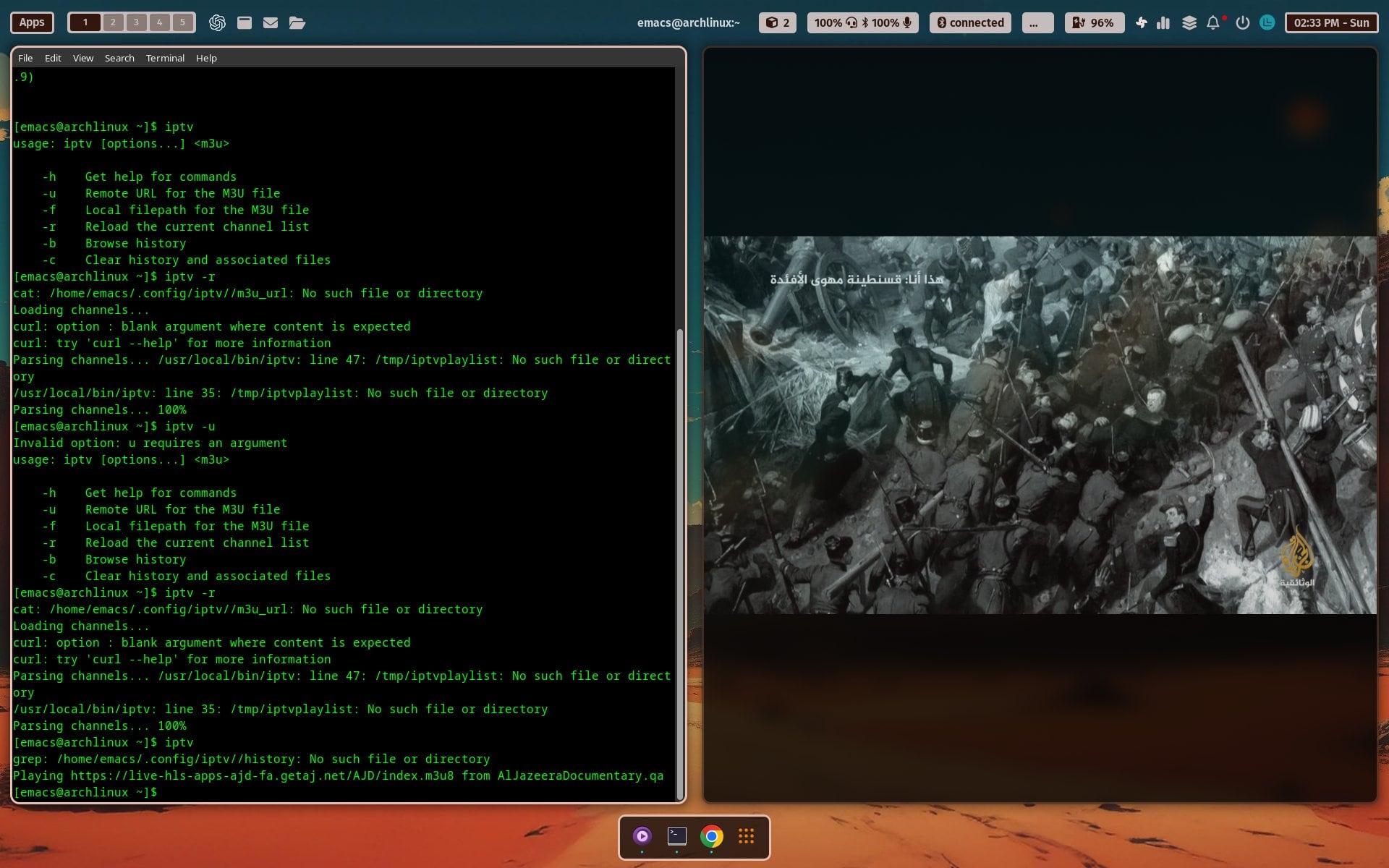
My Arch Linux desktop: a terminal on the left running a small IPTV script, a documentary playing on the right, with a top bar showing workspaces 1 to 5 and a dock at the bottom
On Arch, my favorite part is Hyprland, a tiling Wayland compositor. Windows arrange themselves automatically, everything is driven by the keyboard, and the animations and visual style are beautiful. Configuring it well can be difficult, but that is part of the fun.
My plan for the future is to buy or build another PC with a dedicated SSD just for Arch, so I can experiment freely without worrying about the machine I use every day.
Fedora: my current daily driver
Today my personal computer runs Fedora, and it is one of my favorite distributions. Fedora is sponsored by Red Hat and is known for shipping modern Linux technology early, but in a polished, well-tested way. You get recent kernels, the GNOME desktop on Wayland, the dnf package manager, and a system that just works for development and everyday use.
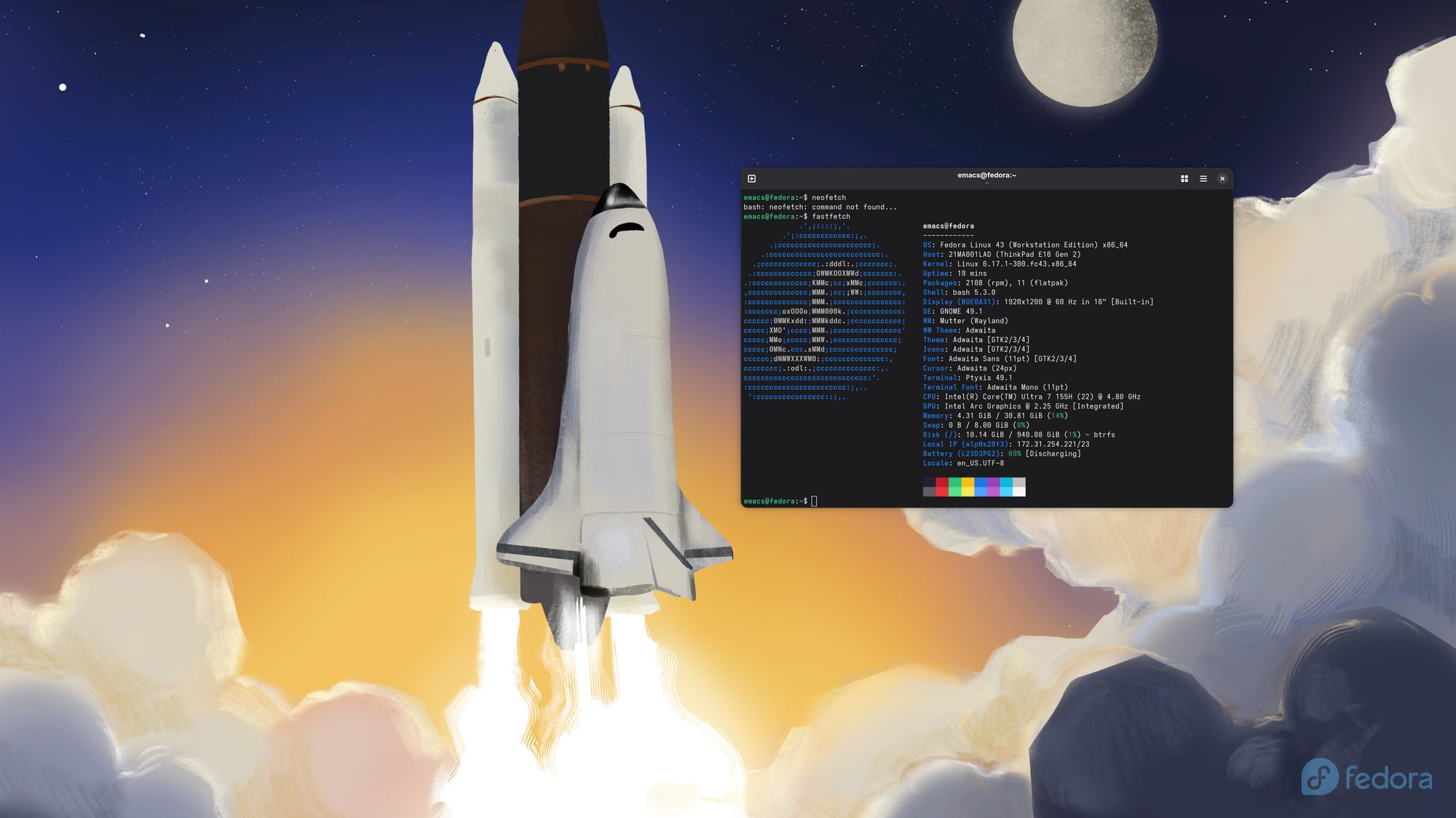
My Fedora 43 Workstation desktop: a rocket launch wallpaper and a terminal showing fastfetch with Fedora Linux 43, GNOME 49 on Wayland and the Btrfs file system
The difference between Fedora and Arch for me is simple: Arch is the distro I love to tinker with, Fedora is the distro I trust to get work done. Fedora gives me a modern, clean environment without asking me to build it from scratch, and that is what I need on the machine I use every day.
Ubuntu: good, but not my first choice
Ubuntu was my first Linux installation, so it has a special place in my story:
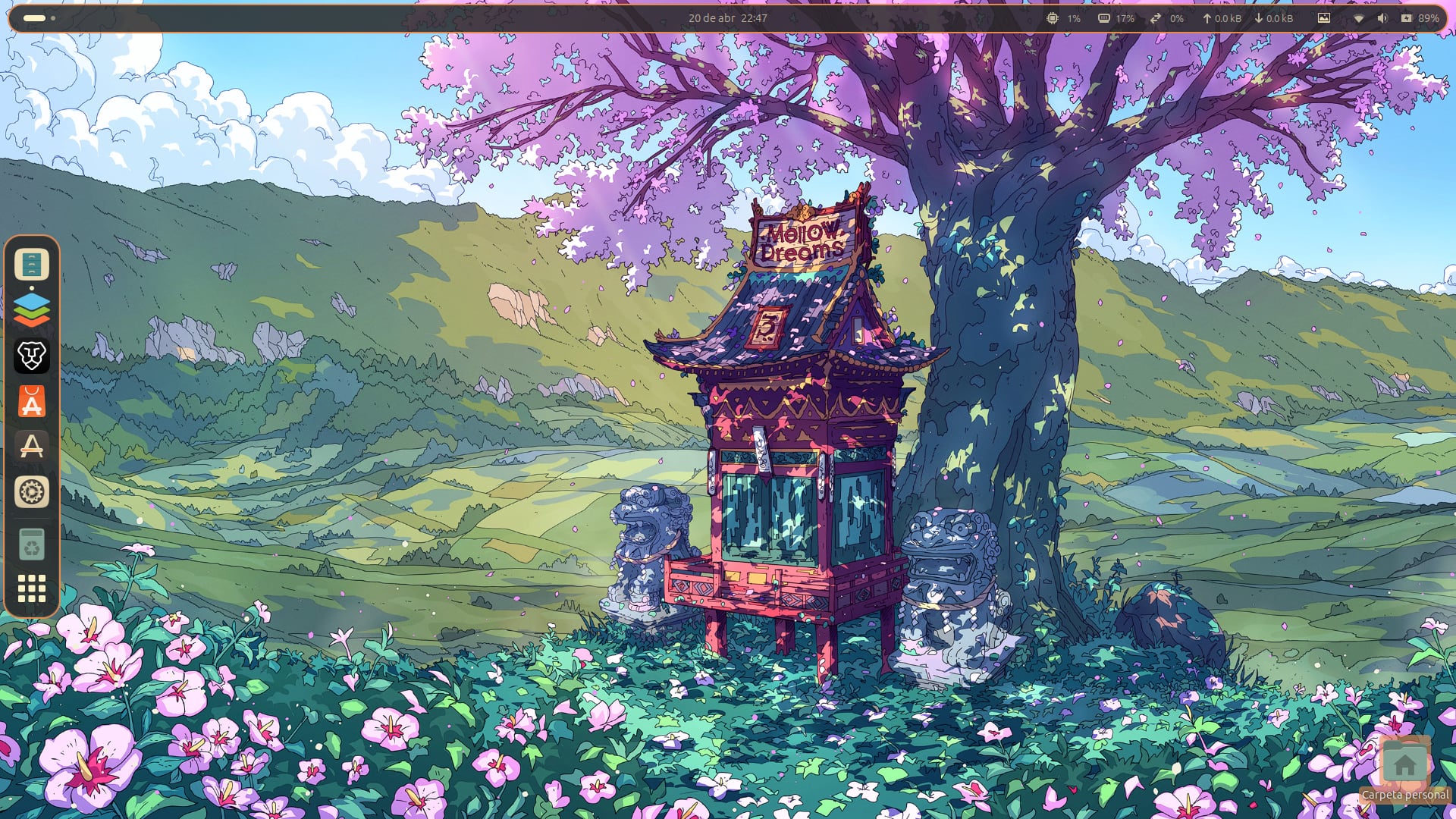
Ubuntu is a useful and approachable distribution. It has a huge community, documentation for almost everything, and many tutorials are written for it. Over time, though, I had some frustrations with it, and I moved on to distros that suit me better. It is still a reasonable choice for beginners, but my personal recommendation for most people coming from Windows is Linux Mint.
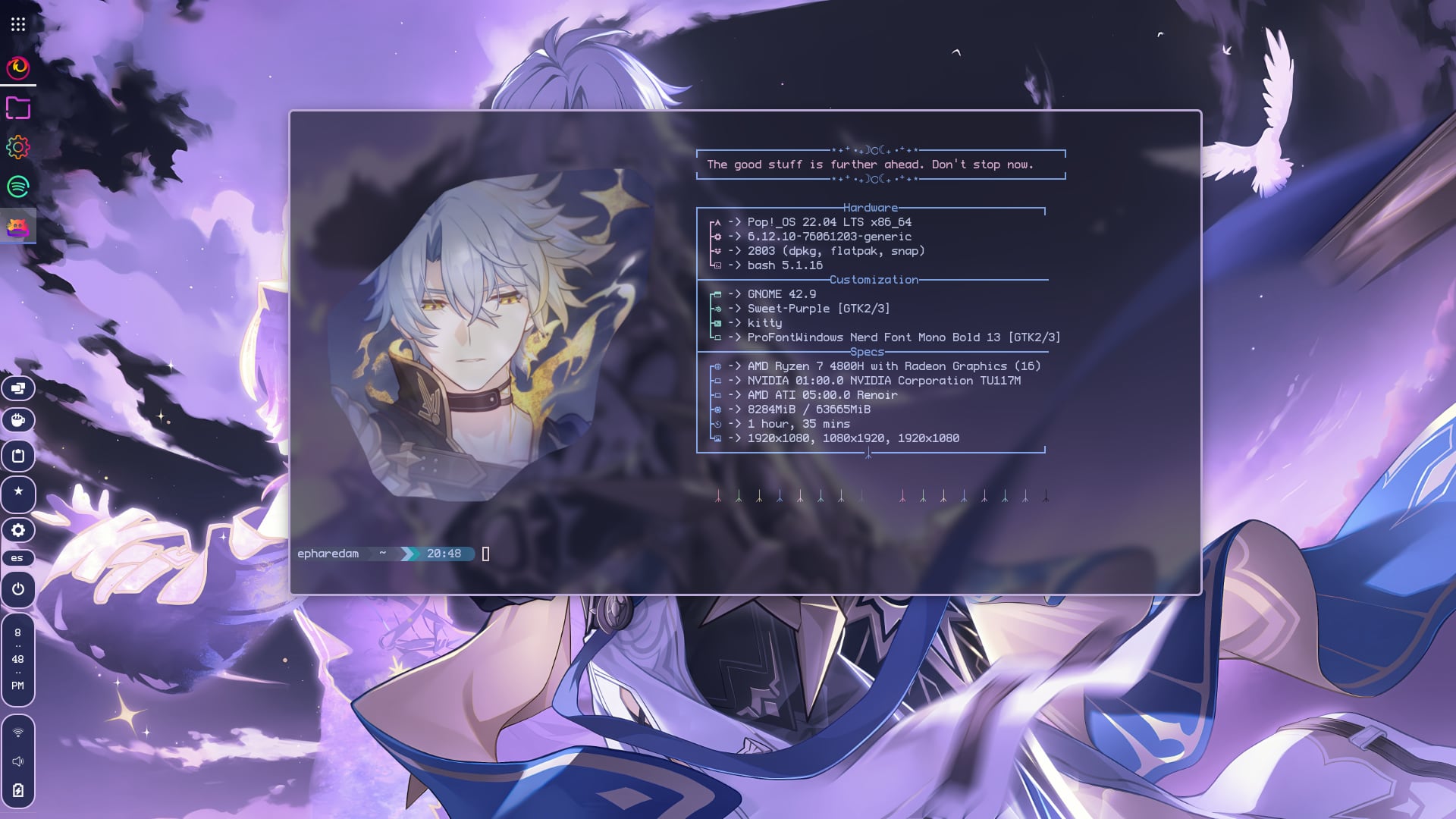
A community Ubuntu 24.04 desktop with GNOME: a pastel painted landscape, a vertical dock on the left and a slim top bar
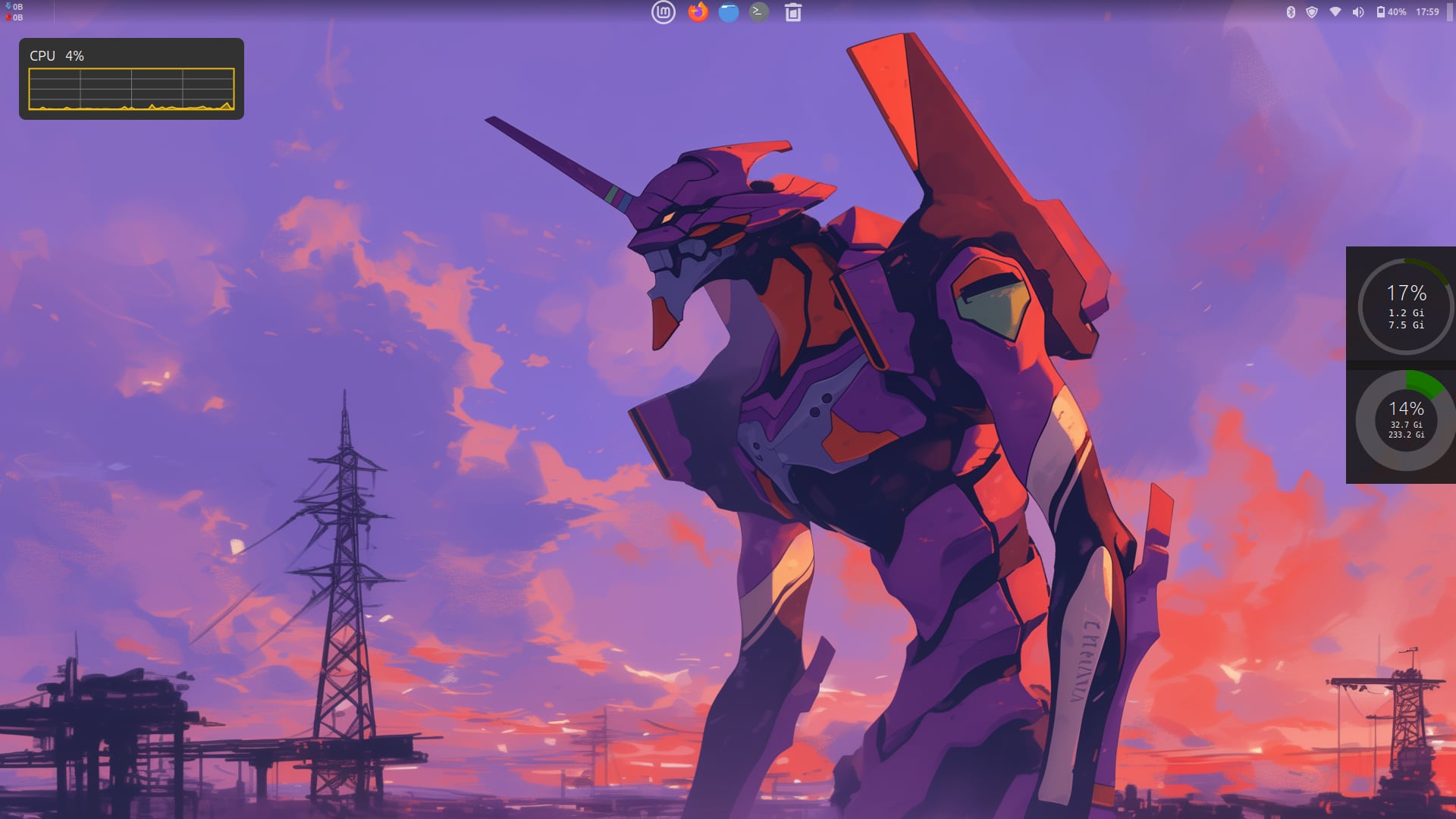
If a friend asks me which Linux to install after Windows, I usually say Linux Mint. Its default Cinnamon desktop feels familiar: a taskbar at the bottom, a start menu, a system tray. It is based on Ubuntu's long-term releases, so it is stable and benefits from the same huge software ecosystem, and it comes with friendly graphical tools for updates and drivers. You can start working on day one and learn the deeper parts of Linux at your own pace.
This is my personal recommendation, not a universal rule. Some beginners will be happier with Ubuntu, Fedora or something else entirely.
If you are switching from Windows and want to see the whole move before you try it, How To Switch To Linux For Beginners… by SomeOrdinaryGamers is a good watch, and it fits a Mint start ( ◠‿◠ )
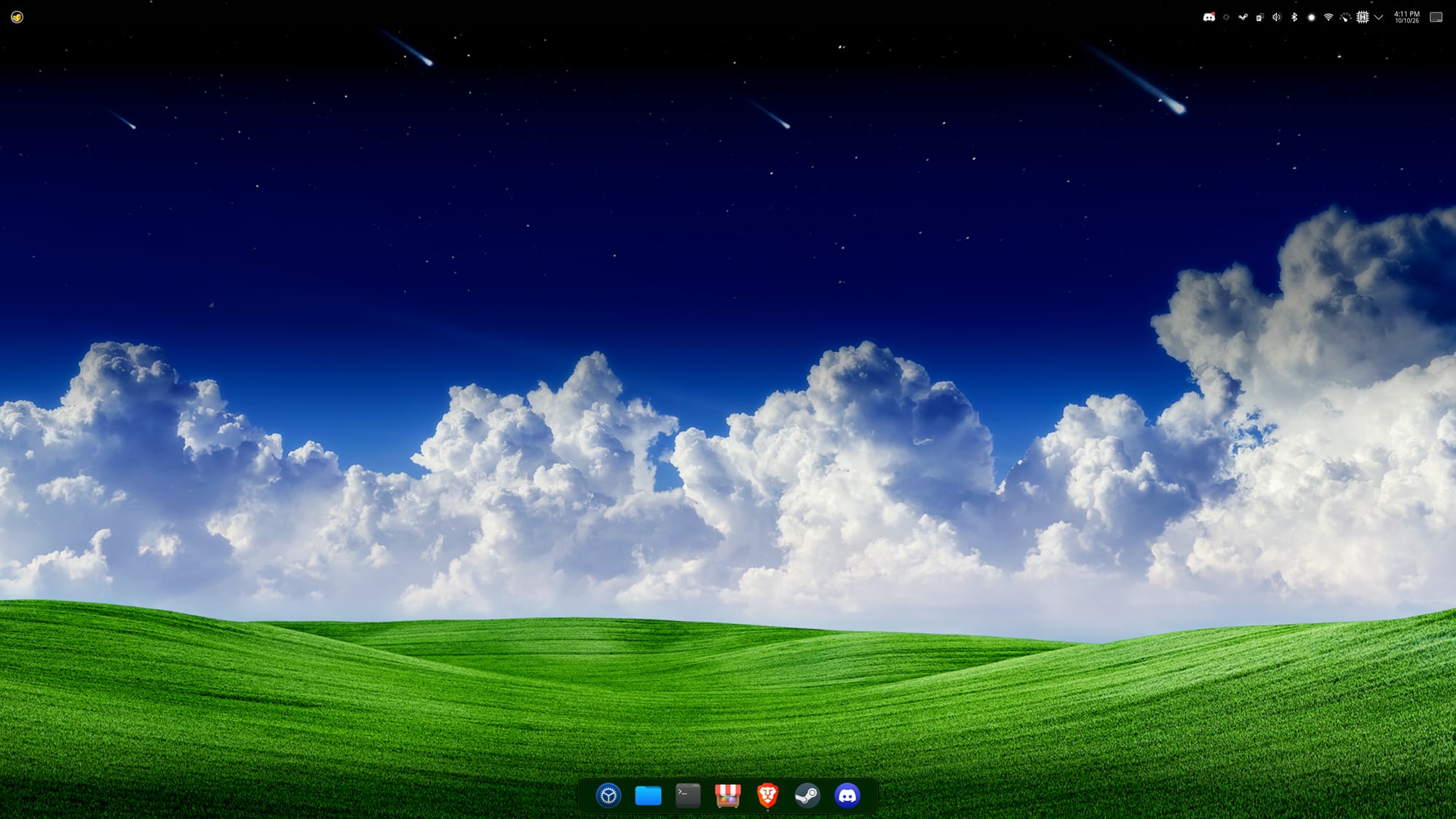
A community Linux Mint desktop with Cinnamon: a giant mech against a pink sunset sky, with small CPU and memory widgets
Linux customization: making the desktop truly yours
Customization is one of my favorite parts of Linux. On Linux the desktop is not one fixed product. It is a stack of pieces you can mix:
Desktop environments like GNOME, KDE Plasma and Cinnamon give you a complete, integrated experience.
Window managers and compositors like Hyprland handle only how windows are placed and drawn, and you add the rest yourself.
Panels and bars (Waybar, for example), launchers, notification daemons, themes, icons, fonts and wallpapers.
Dotfiles: the configuration files (usually starting with a dot, like .config/hypr/hyprland.conf) that describe your whole setup. Many people keep them in Git and share them.
The community calls this ricing: polishing a desktop until every color, gap and font matches. The best places to see it are the subreddits r/unixporn and r/LinuxPorn (the names are a joke, the content is screenshots of desktops).
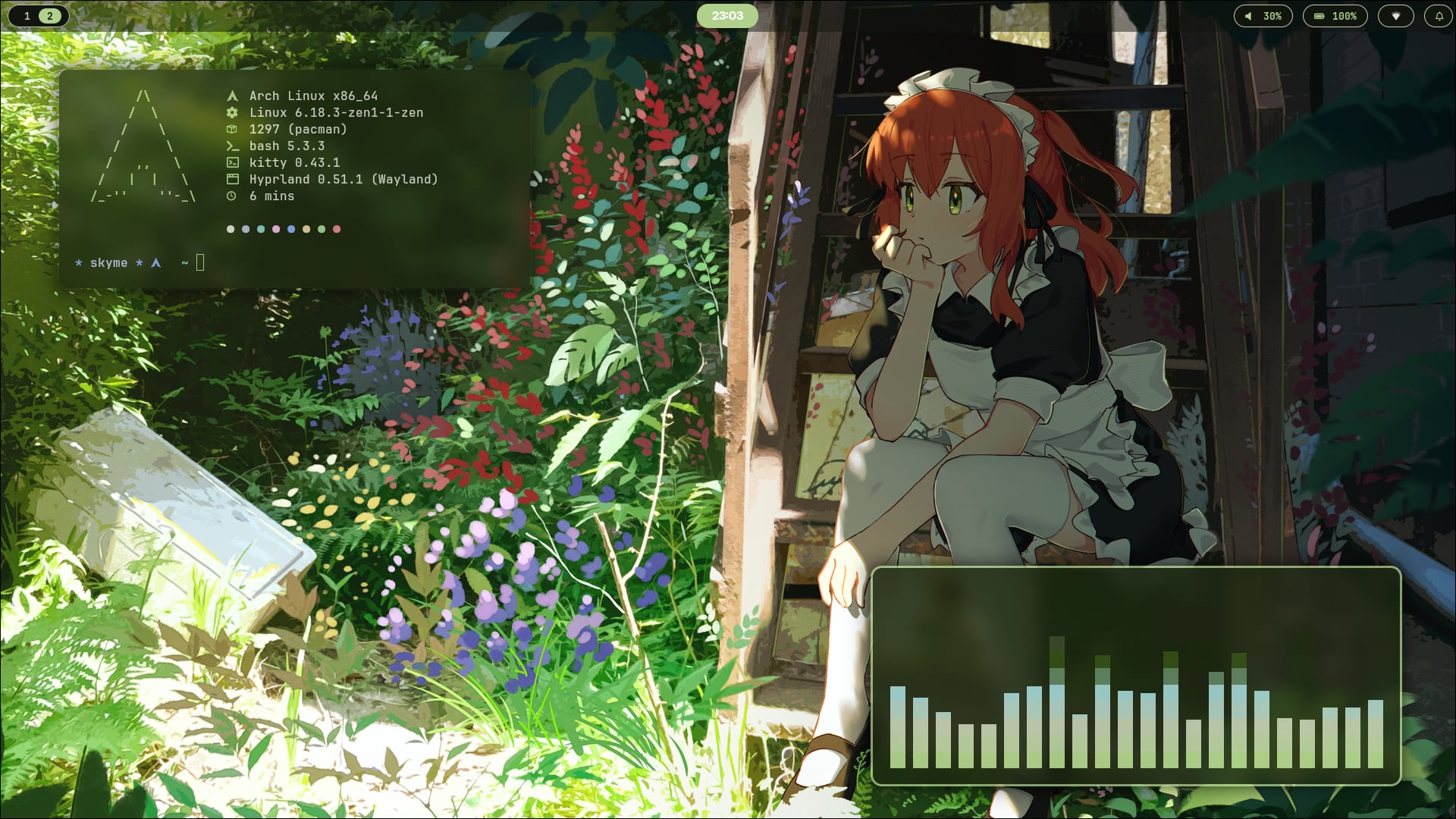
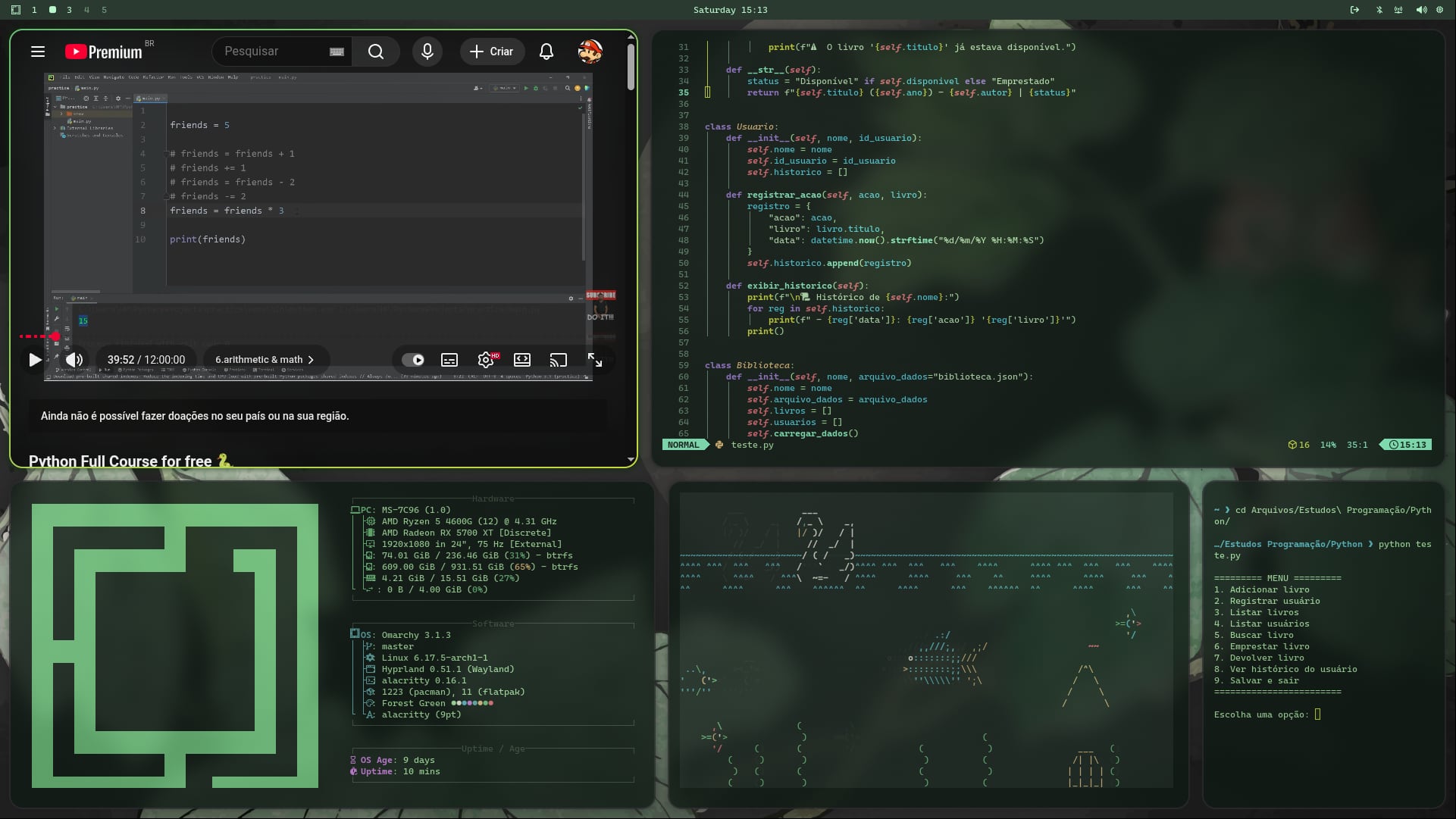
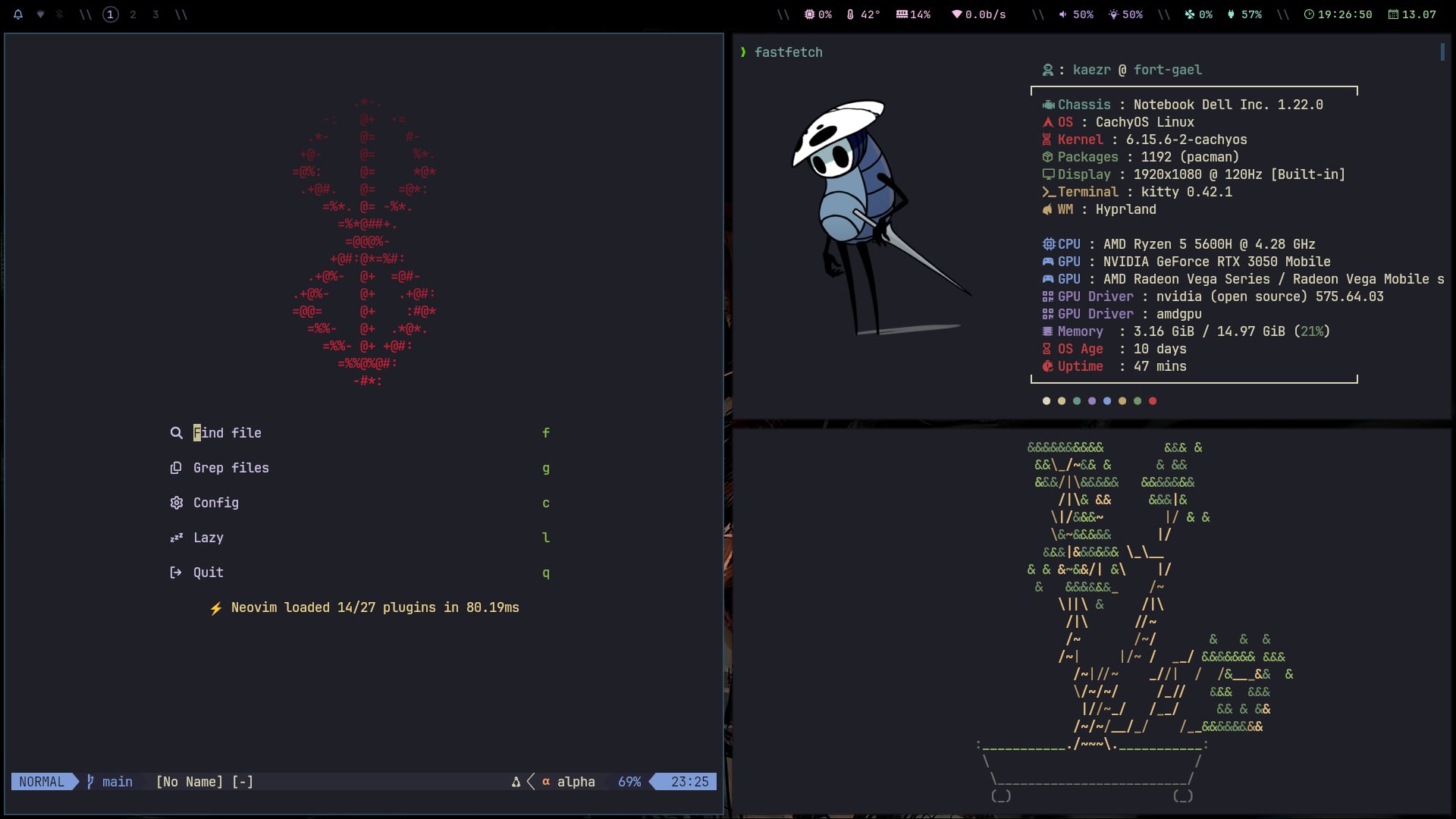
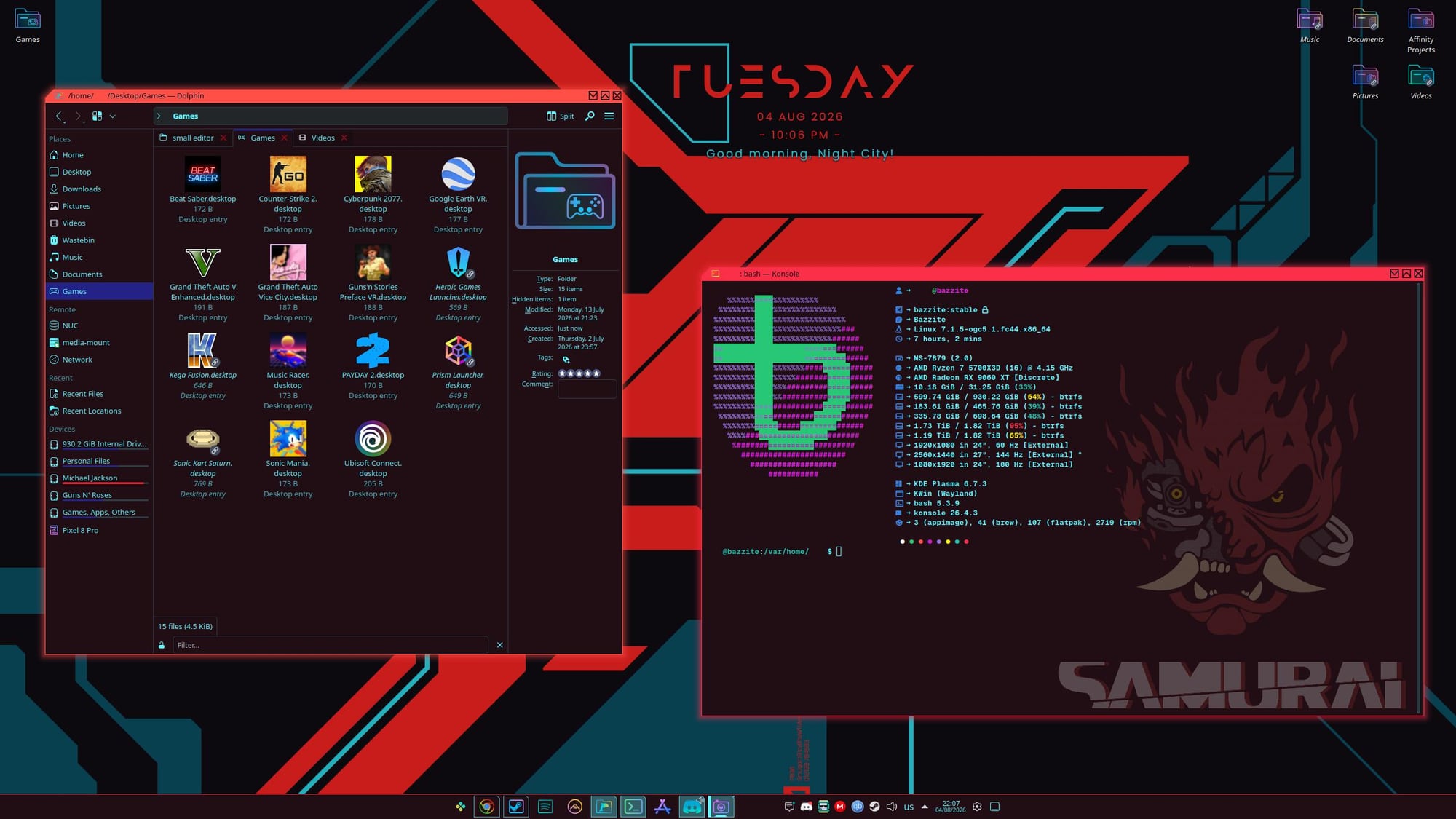
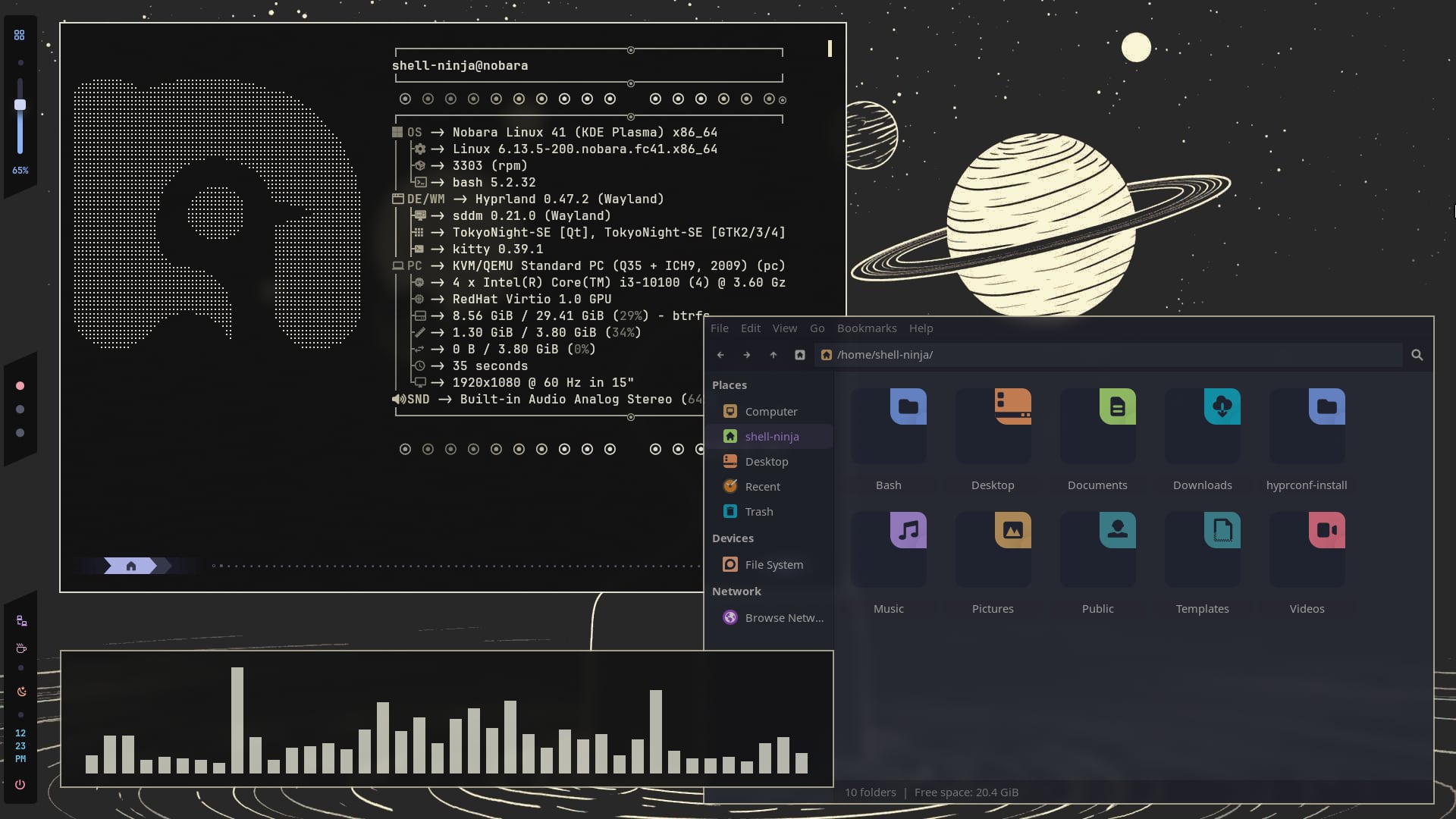
Compare my desktops above with this community setup on Arch with Hyprland:
A community Arch Linux desktop with Hyprland: a lush green anime illustration, glass-effect panels, a system info widget and an audio visualizer, with colors generated to match the wallpaper
Community example: [Hyprland] 6 months on Arch and now I've configured it with matugen… by u/Skym3jp · original post
My Fedora desktop is almost stock GNOME: a clean wallpaper and a terminal, built for getting work done. My Arch setup is more personal, with workspaces in a top bar and windows side by side. This community example goes much further: the colors of the browser, terminal, file manager and launcher are all generated from the wallpaper, with a glass effect over everything. All three are Linux, and all three are valid. Ricing is part of the fun, but it is never mandatory. You can use Linux happily for years with the default desktop.
Which Linux distribution should you choose?
There is no single "best" distro. Ask yourself two questions: what will I do with this computer, and how much do I want to tinker? Then pick from the group that fits you.
Beginners
Distro
Why I recommend it
Official site
Linux Mint
My first recommendation: familiar Windows-like desktop, stable, friendly tools
Linux gaming has improved enormously thanks to Valve's Proton, which runs many Windows games through Steam. Before you switch, check your favorite games on ProtonDB and their anti-cheat status on Are We Anti-Cheat Yet?. Up-to-date GPU drivers matter too, especially on NVIDIA.
Distro
Why I recommend it
Official site
CachyOS
Arch-based and tuned for performance, easier to install than plain Arch
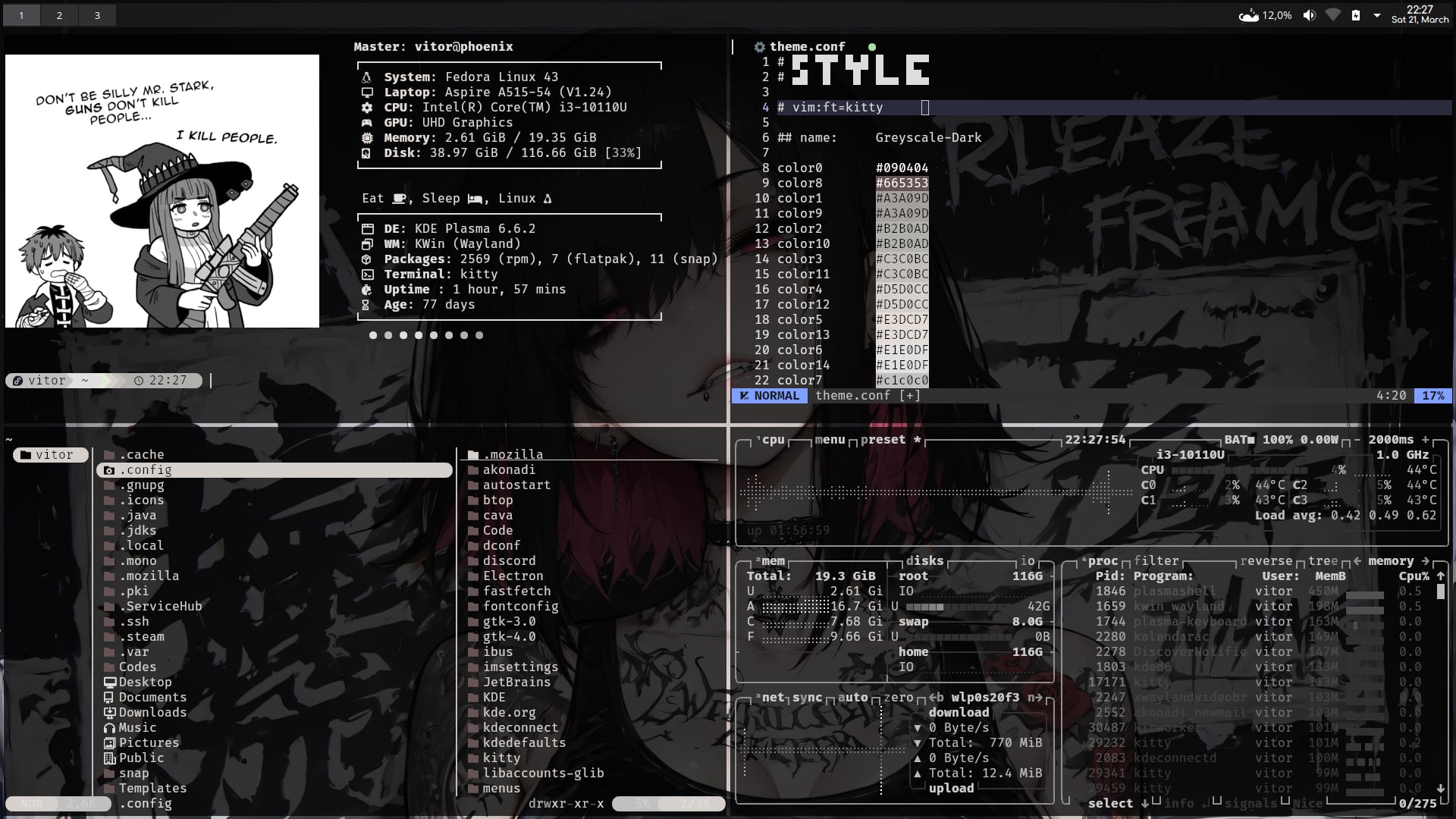
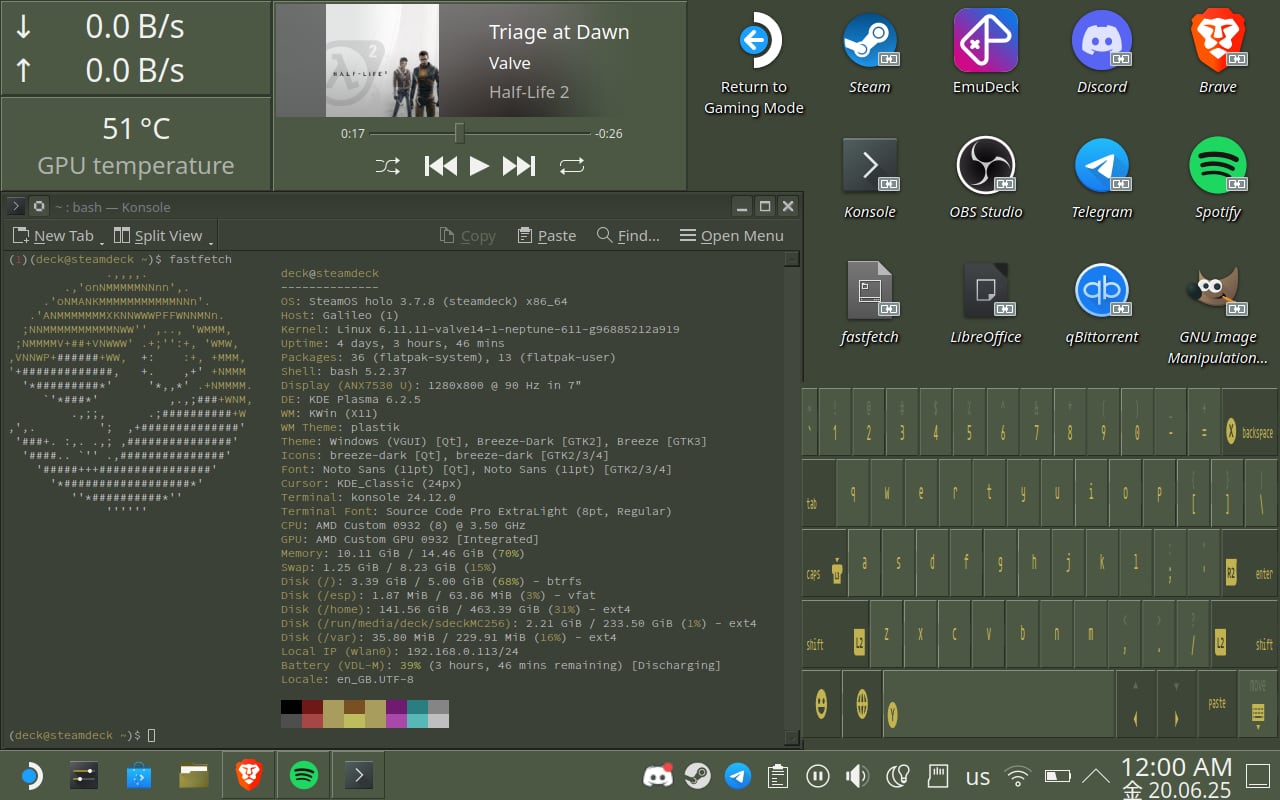
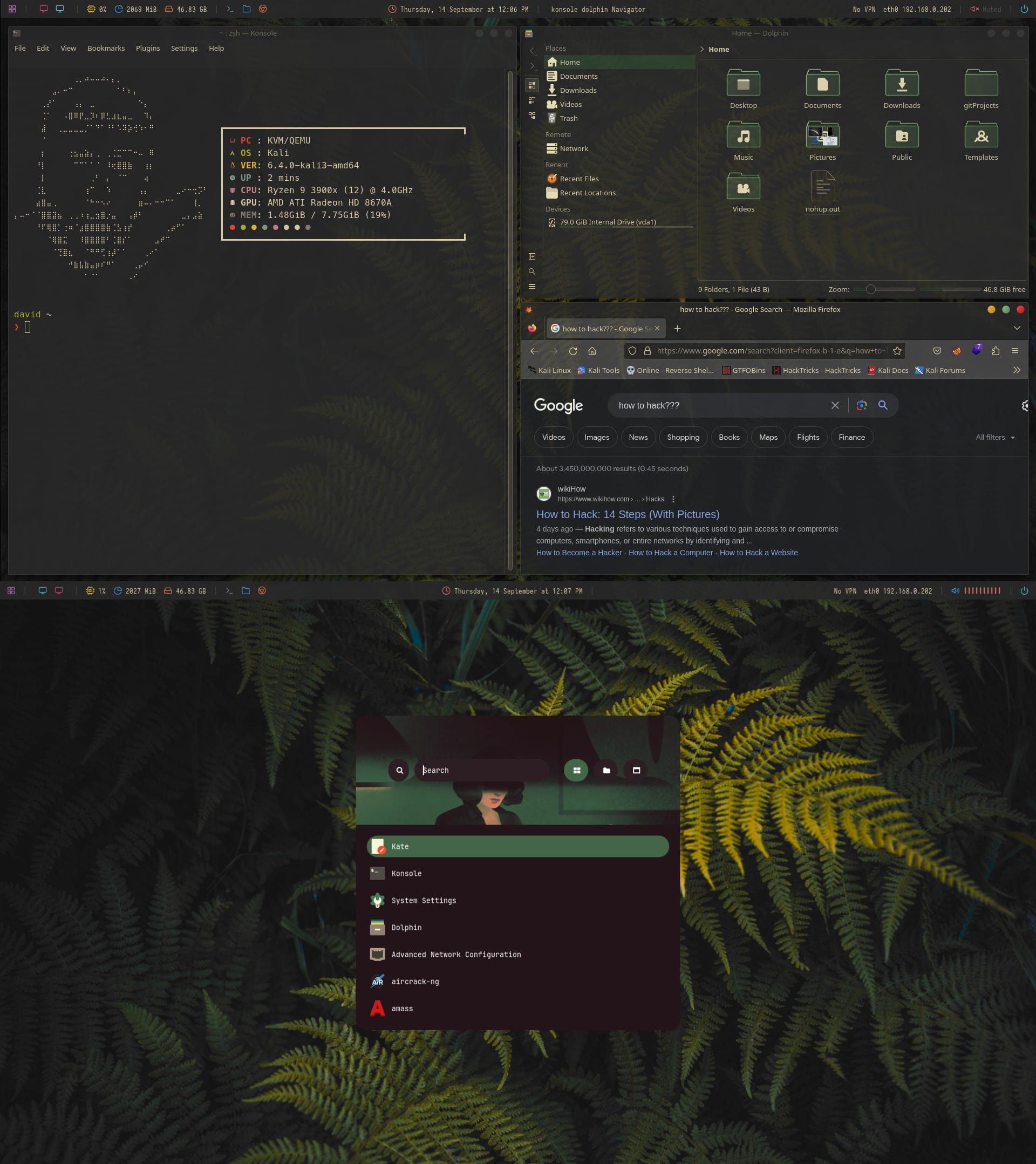
Kali is a toolbox, not a daily desktop, and you do not need to install it as your main OS. Run it in a virtual machine (for example VirtualBox), or use its tools through WSL on Windows (see my WSL guide). Only use its tools on systems you own or have written permission to test.
A community Kali Linux desktop with KDE Plasma in the gruvbox color scheme: dark, earthy green tones with a fern wallpaper
Linux has become an important part of both my professional and my personal life. At work it is the ground everything stands on: servers, containers, clusters and GPU nodes. At home it is my playground, where I learn by breaking things, try new distros, and shape a desktop that feels like mine.
I do not believe everyone needs to use Arch, or even switch away from Windows. Use what helps you do your best work. I simply appreciate Linux because it lets me explore technology, understand my tools, and decide for myself how my computer should look and behave. That freedom started as curiosity, and it is still what keeps me coming back.
What about you? Which distro was your first, and which one stayed? I would love to hear your story, so reach out through the contact links on the home page.